OpenAI Moderation with Langbase
OpenAI's moderation tools work to identify content that could be harmful, protecting both users and developers from unwanted issues. Langbase enhances these safety measures by integrating moderation tools directly into its AI agent pipes, making it easy for developers to implement and customize moderation quickly.
OpenAI provides a moderation endpoint that identifies potentially harmful text and image content, such as hate speech, harassment, violence, or self-harm. The tool enables developers to detect harmful elements and take corrective action like filtering or blocking flagged content.
OpenAI Models available for this endpoint:
- omni-moderation-latest: Advanced, multi-modal model supporting text and image classifications across more categories.
- text-moderation-latest (Legacy): Older model supporting fewer categories and text-only moderation.
Both models return flags and confidence scores for each type of harmful content, which help classify the content's nature and severity.
Here’s a table summarizing the types of content that the OpenAI moderation API can detect, along with the models and input types supported for each category:
| Category | Description | Models | Inputs |
|---|---|---|---|
| harassment | Content that expresses, incites, or promotes harassing language towards any target. | All | Text only |
| harassment/threatening | Harassment content that also includes violence or serious harm towards any target. | All | Text only |
| hate | Content that expresses, incites, or promotes hate based on race, gender, ethnicity, religion, nationality, sexual orientation, disability status, or caste. | All | Text only |
| hate/threatening | Hateful content that also includes violence or serious harm towards the targeted group based on race, gender, ethnicity, religion, nationality, sexual orientation, disability status, or caste. | All | Text only |
| illicit | Content that encourages non-violent wrongdoing or gives advice on how to commit illicit acts (e.g., "how to shoplift"). | Omni only | Text only |
| illicit/violent | Similar to the illicit category but also includes references to violence or weapon procurement. | Omni only | Text only |
| self-harm | Content that promotes, encourages, or depicts acts of self-harm, such as suicide, cutting, and eating disorders. | All | Text and image |
| self-harm/intent | Content where the speaker expresses intent to engage in self-harm acts like suicide, cutting, or eating disorders. | All | Text and image |
| self-harm/instructions | Content that encourages or gives instructions on committing acts of self-harm, such as suicide, cutting, or eating disorders. | All | Text and image |
| sexual | Content meant to arouse sexual excitement, describe sexual activity, or promote sexual services (excluding sex education/wellness). | All | Text and image |
| sexual/minors | Sexual content that includes an individual under 18 years old. | All | Text only |
| violence | Content that depicts death, violence, or physical injury. | All | Text and images |
| violence/graphic | Content depicting death, violence, or physical injury in graphic detail. | All | Text and images |
Langbase’s AI agent pipe acts as a high-level API layer for LLMs, designed to speed up the development of AI-powered tools. Pipes include moderation settings to make harmful content handling straightforward.
Moderation is a feature that the pipe offers for all the OpenAI models. By default, it is turned on, but in case it is turned off, the pipe will not call the OpenAI moderation endpoint to identify harmful content.
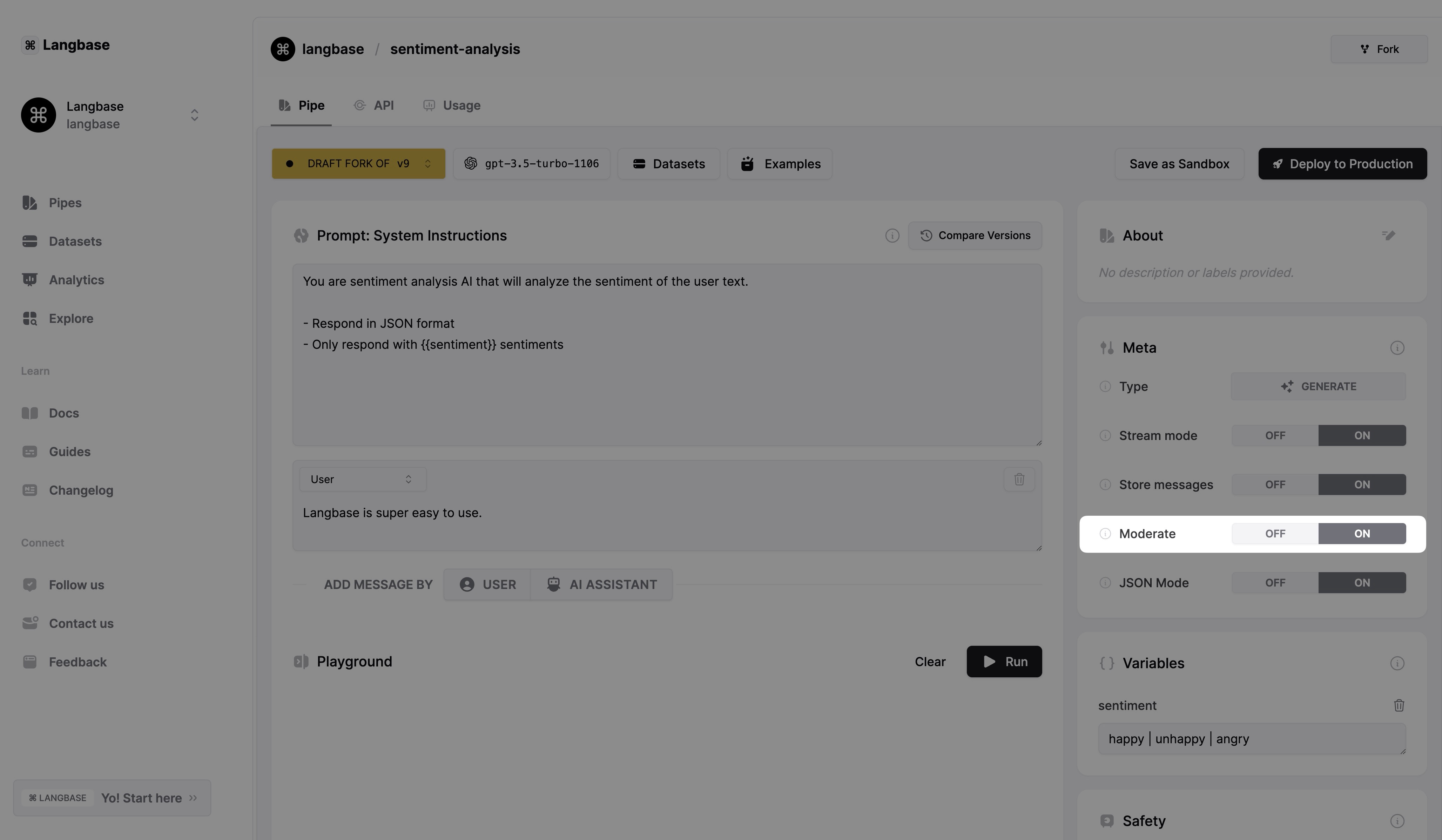
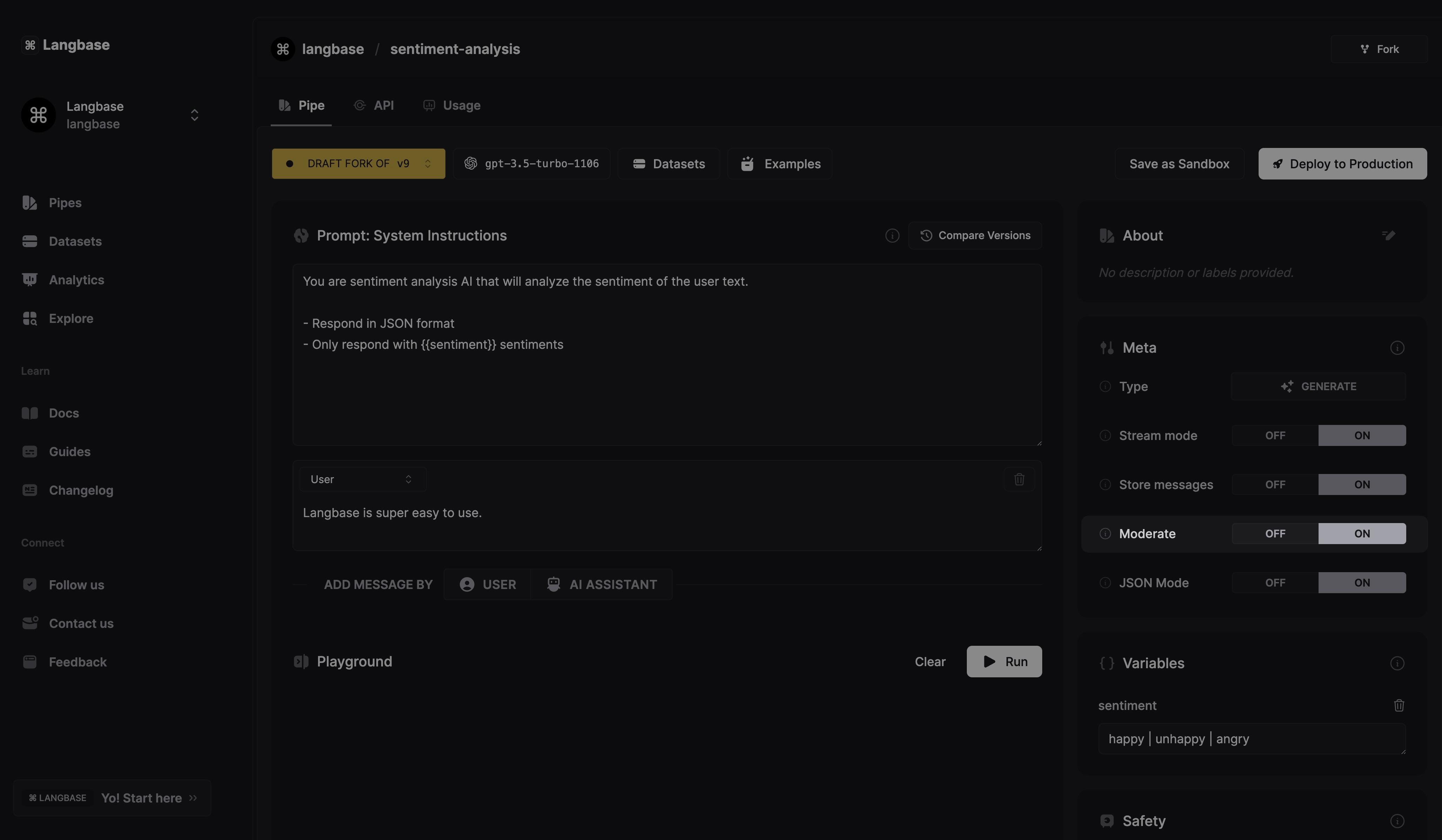
Here’s how Langbase integrates OpenAI moderation:
- Automatic Flagging: When the Moderate setting is enabled, Langbase automatically blocks requests flagged by OpenAI's moderation.
- Privacy Control: By toggling moderation, developers can control what content is allowed, maintaining safe interactions and preventing inappropriate content from reaching end-users.
Langbase lets you toggle the moderation settings locally as well with BaseAI. After creating an AI agent pipe with BaseAI using this command:
npx baseai@latest pipe
You can configure the settings of the pipe. By default the pipe created will have these settings with moderate set to true:
import { PipeI } from '@baseai/core';

const pipeName = (): PipeI => ({
	apiKey: process.env.LANGBASE_API_KEY!, // Replace with your API key https://langbase.com/docs/api-reference/api-keys
	name: 'summarizer',
	description: 'Add pipe’s description',
	status: 'public',
	model: 'openai:gpt-4o-mini',
	stream: true,
	json: false,
	store: true,
	moderate: true,
	top_p: 1,
	max_tokens: 1000,
	temperature: 0.7,
	presence_penalty: 1,
	frequency_penalty: 1,
	stop: [],
	tool_choice: 'auto',
	parallel_tool_calls: false,
	messages: [{ role: 'system', content: `You are a helpful AI assistant.` }],
	variables: [],
	memory: [],
	tools: []
});

export default pipeName;
This way Langbase takes care of the users' protection locally as well.
OpenAI’s moderation endpoint, along with Langbase pipes, provides developers with strong tools to keep AI applications safe. These tools help create responsible, secure, and user-friendly applications.