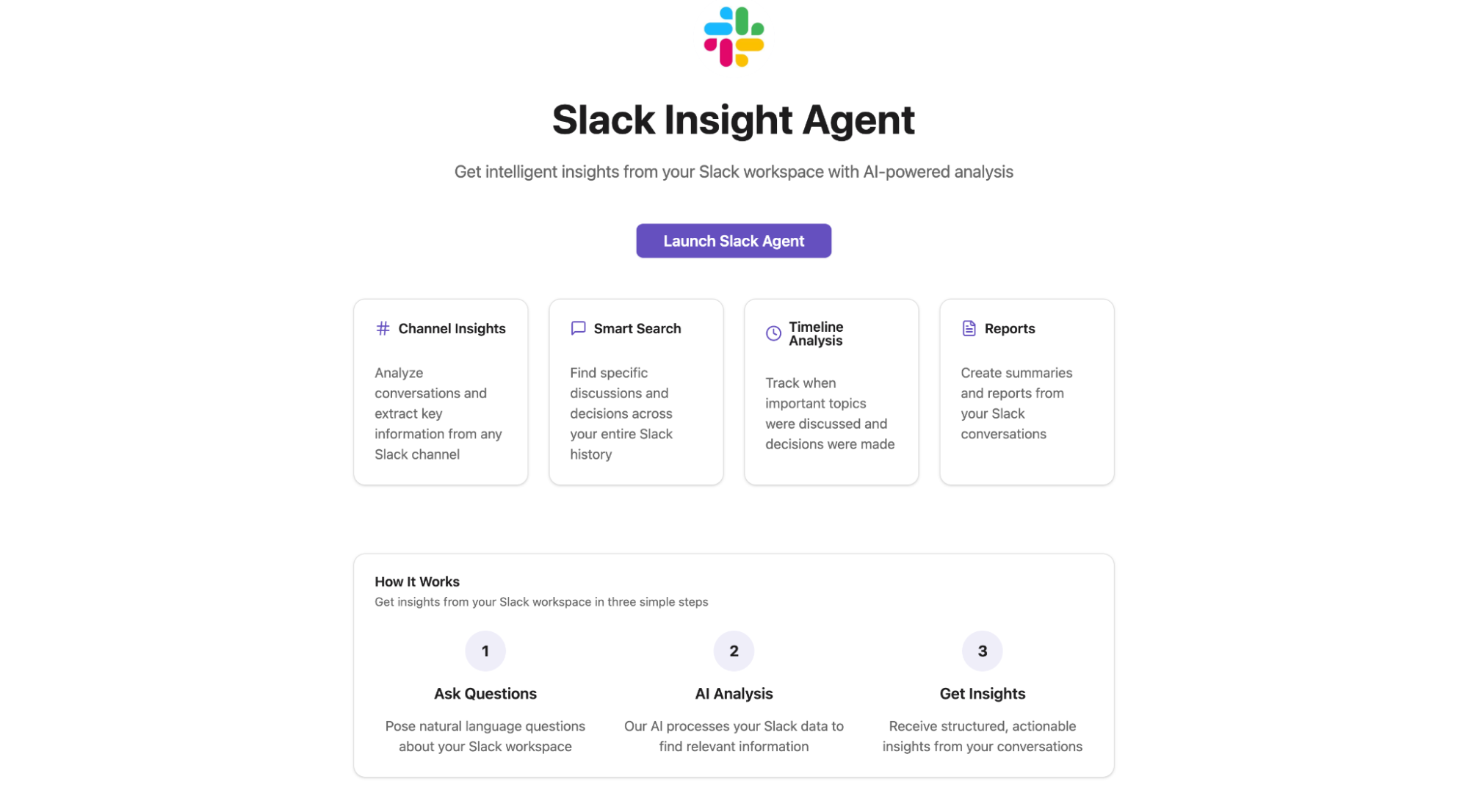
In this post, you'll learn about building a Slack insights agent that connects to your Slack and gives you intelligent insights, control, and automation.
You can find the complete code in the Langbase Examples repository.
Overview
The Slack insight agent integrates directly with your workspace and lets you:
- Retrieve users and their profiles.
- Explore channels and recent conversations.
- React to messages with emojis.
- Post new updates to channels.
- Keep discussions tidy by replying in threads.
- Pull replies from any thread in one go.
The agent is built using Langbase primitives and powered by the Model Context Protocol (MCP). Instead of managing Slack API endpoints yourself, you can connect Langbase to a hosted Slack MCP server, which exposes Slack's functionality as structured tools the agent can use.
Features at a glance
- Workspace visibility: Get lists of members, channels, and threads.
- Message management: Post new messages, reply to threads, and fetch replies.
- Reactions: Instantly add emojis to any message.
- AI-powered workflows: Extend Slack data with Langbase agents for smarter insights.
- Modern UI: Responsive React app styled with Tailwind CSS.
Open source
The Slack insight agent is open-source and you can fork and customize it for your Slack workflow.
The project combines the following technologies:
- Frontend: React + Vite + Tailwind for fast, modern UI.
- Agent orchestration: Langbase APIs to manage the Slack agent.
- Slack integration: A hosted Slack MCP server that Langbase connects to.
The architecture is straightforward. React handles user interactions on frontend. This connects to Langbase primitives which interface with the Slack MCP.
Langbase primitives give you agentic workflows, while MCP provides the standard interface to external services (in this case, Slack API).
Explore the complete code here.
Getting Started
If you want to run the Slack insight agent locally, here's how:
Prerequisites
- Node.js 21+
- npm or pnpm
- Langbase API key
- Slack Bot Token
Get started by running these commands:
1git clone https://github.com/LangbaseInc/langbase-examples.git
2cd examples/slack-agent
3npm install
4cp .env.example .env
Fill in your API keys in .env:
LANGBASE_API_KEY=your_langbase_api_key
OPENAI_API_KEY=your_openai_api_key
SLACK_BOT_TOKEN=your_slack_bot_token
Then start the dev server:
1npm run devVisit http://localhost:5173 to see it in action.
And, that's a wrap! Try the project yourself and connect the agent to your Slack.
Star the GitHub repo to stay tuned for the upcoming projects in the Langbase Developer Series.