How to use Langbase Remote MCP server
Interact with Pipes and Memory Agents seamlessly with Langbase MCP Server
Model Context Protocol (MCP) is an open protocol that standardizes how applications connect and share data, tools, and other resources with Large Language Models (LLMs).
Langbase provides a fully compliant Remote MCP server at mcp.langbase.com/sse, supporting seamless authentication via the official Remote MCP specification.
You can do the following with the Langbase Remote MCP server:
| Tool | Description |
|---|---|
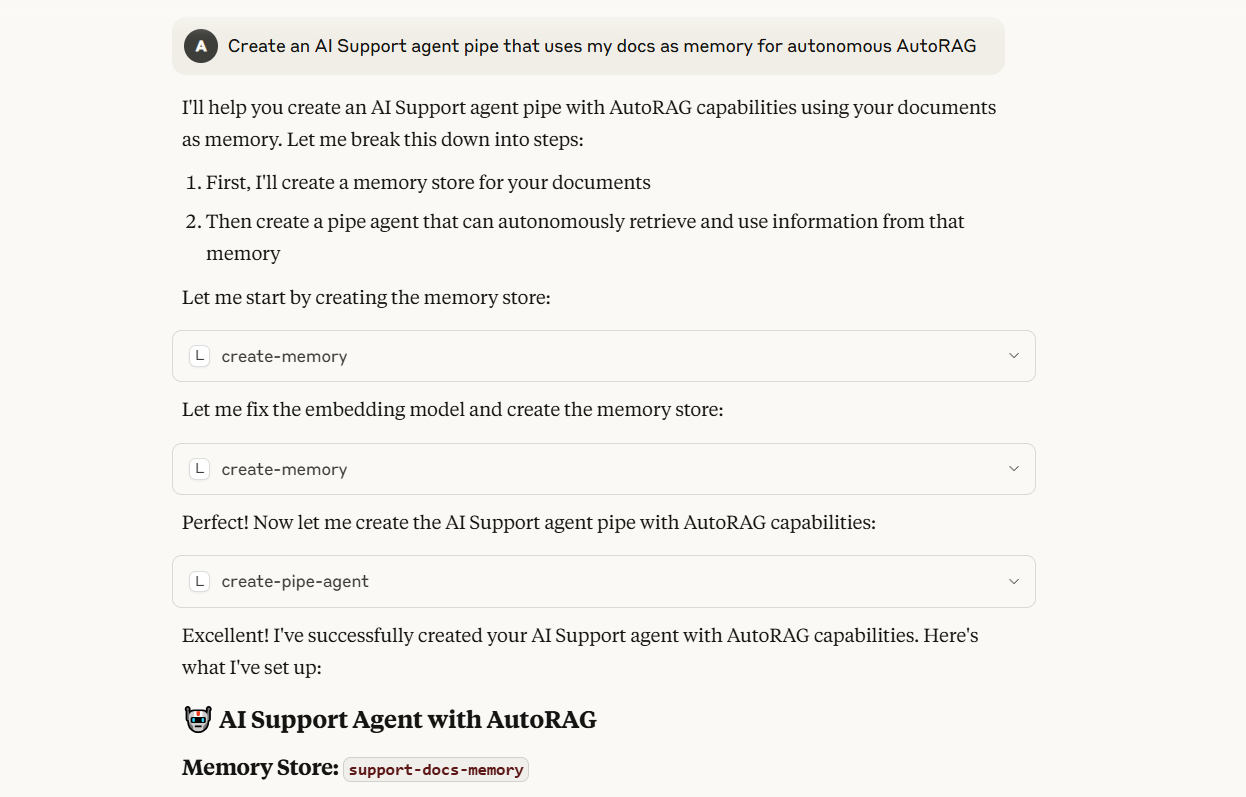
| create-pipe-agent | Creates a new pipe agent |
| run-pipe-agent | Runs a pipe agent |
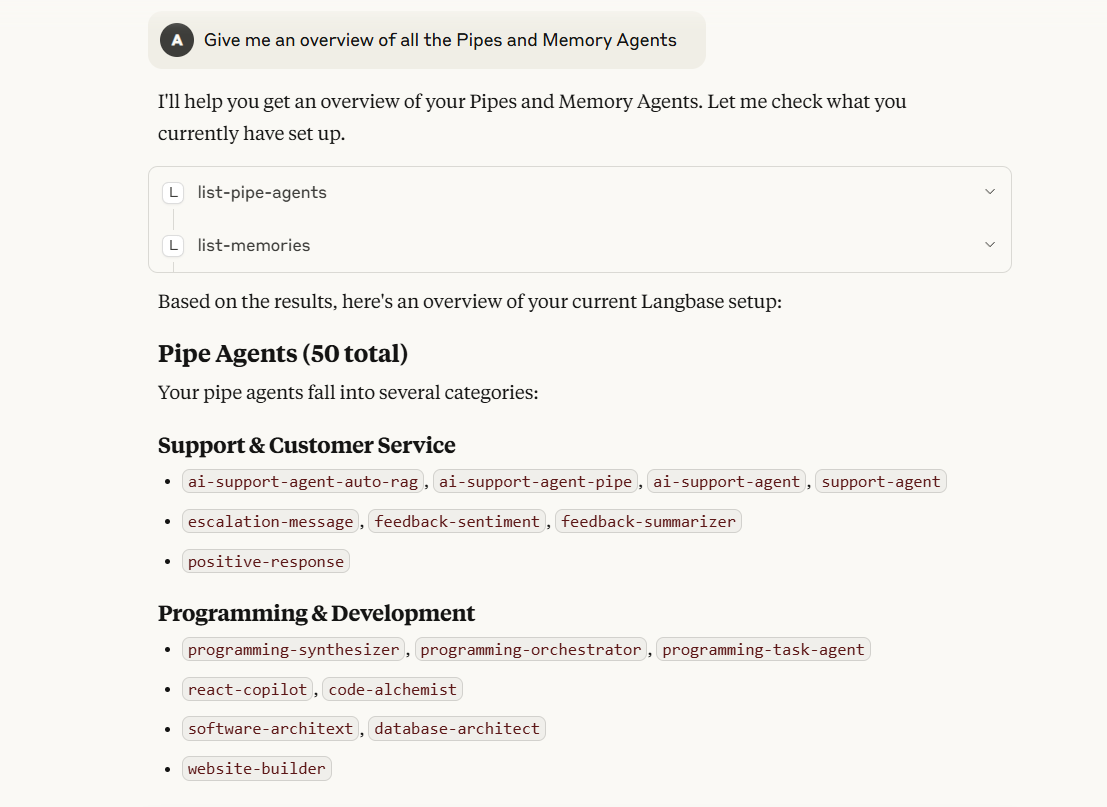
| list-pipe-agents | Lists all existing pipe agents |
| update-pipe-agent | Updates an existing pipe agent |
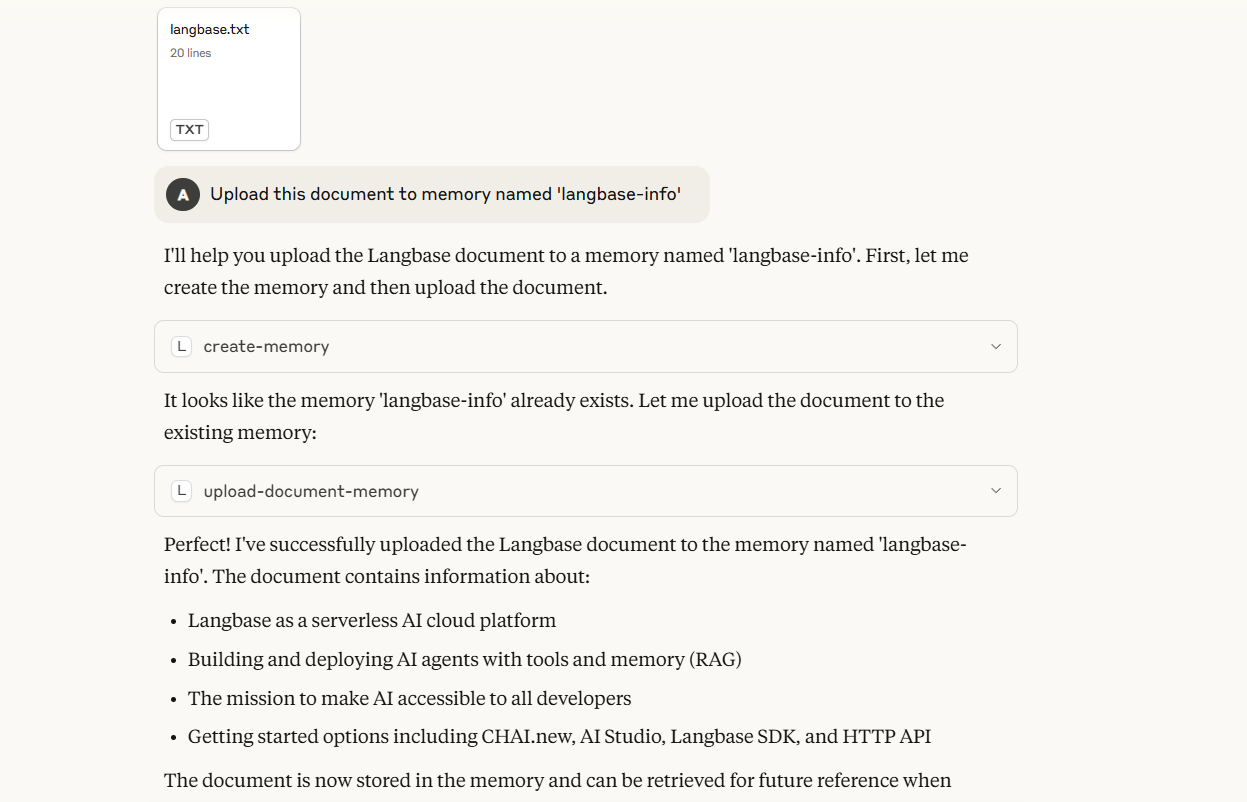
| create-memory | Creates a new memory |
| list-memories | Lists all existing memories |
| upload-document-memory | Uploads documents to memory |
| retrieve-memory | Retrieves similar chunks from memory |
| list-memory-documents | Lists documents from memory |
| delete-memory | Delete a memory |
We will setup the Langbase Remote MCP Server on any of the IDEs below and Claude Desktop.
- Open Cursor settings
- Navigate to the Tools and Integrations
- Click on the
+button to add a New MCP Server - Paste the following configuration in the
mcp.jsonfile:
mcp.json
{
    "mcpServers": {
        "Langbase MCP Server": {
            "command": "npx",
            "args": [
                "-y",
                "mcp-remote",
                "https://mcp.langbase.com/sse"
            ]
        }
    }
}
Now that you have set up the MCP server, here are some example queries you can try:
Example queries
Give me an overview of all the Pipes and Memory Agents
Example queries
Create an AI Support agent pipe that uses my docs as memory for autonomous AutoRAG
Example queries
Upload this document to memory named 'langbase-info'
- Check out examples of what you can build using Langbase MCP server.
- Join our Discord community for feedback, requests, and support.